When Remote Participants Cannot Join the Discussion
Systematic protocols to dismantle room dominance, re-establish audiovisual equity, and ensure every distributed attendee contributes without friction.
Diagnosing the Hidden Barriers of Distributed Silence
When remote participants fall silent during hybrid meetings, the root cause is rarely disinterest. In-room audio latency, rapid micro-conversations between co-located staff, and visual occlusion make natural conversational entry nearly impossible for those on screens. Co-located members read room energy instantly, whereas remote participants face a 300-millisecond transmission delay that turns polite pauses into conversational walls.
Overcoming this structural barrier requires active facilitation safeguards rather than passive hope. Establishing a strict digital-first queue and enforcing audio latency buffers ensures remote team members possess identical conversational leverage regardless of physical distance.

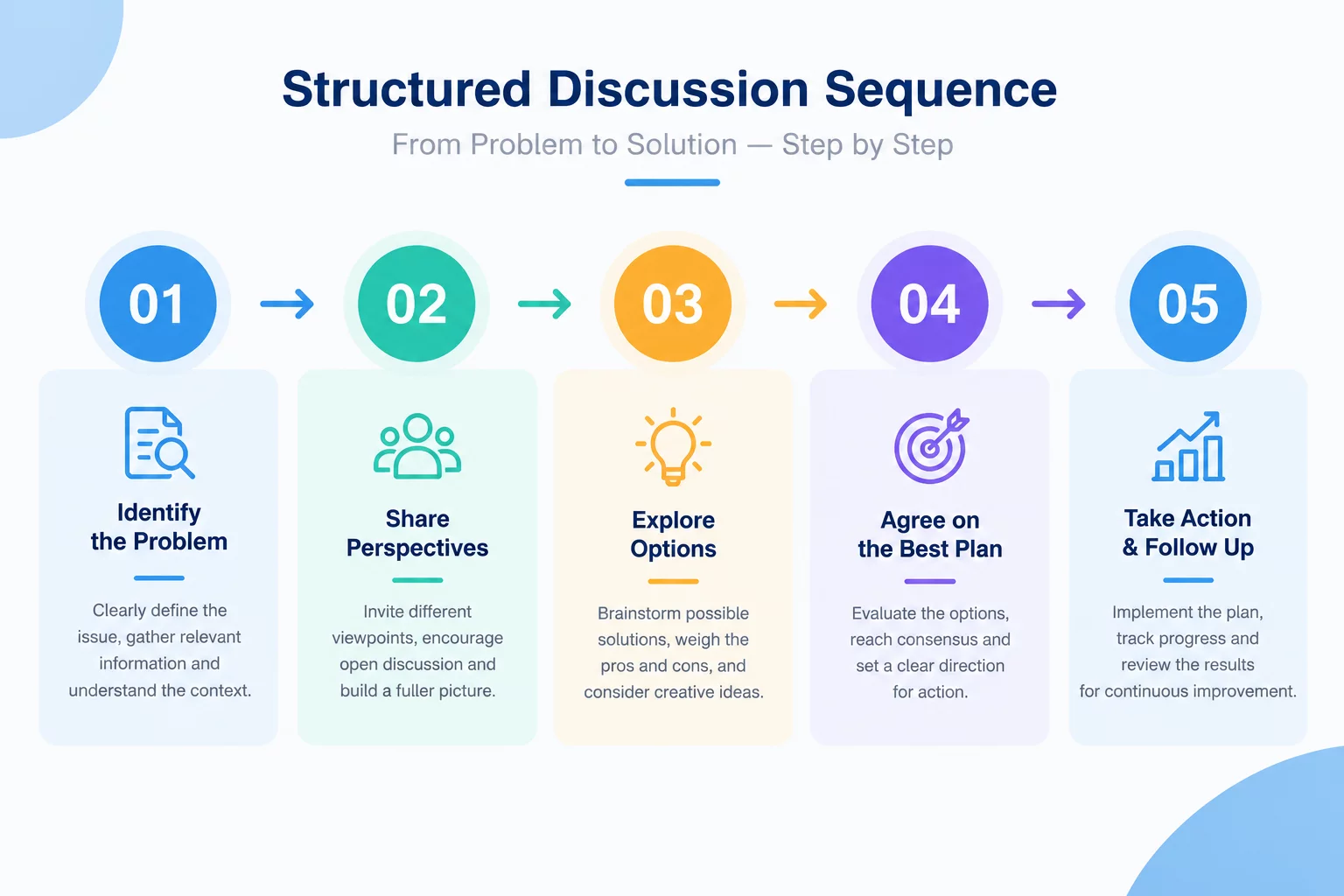
A remote participant loses video mid-meeting and the room simply moves on without them. This scenario shows how the session is redesigned so a dropped connection never costs anyone their voice in the discussion.
How Participants Interact Across the Session
Remote Ingress & Interruption Framework
Core operating parameters and technical standards designed to balance conversational turns across physical and virtual spaces.
| Framework Dimension | Protocol Specification |
|---|---|
| Turn-Taking Architecture | Digital Queue Dominance (Chat / Raised Hands prioritized over physical gestures) |
| Audio Buffer Interval | Mandatory 3-second post-statement pause before in-room responses |
| Visual Screen Real Estate | 1:1 Gallery Layout on primary in-room confidence monitor |
| Facilitator Intervention | Dedicated Remote Advocate or Co-Host assigned per session |
| Conversational Cycle Time | Maximum 5-minute unmoderated open floor before intentional remote check-in |
| Backchannel Redundancy | Persistent asynchronous chat transcript mirrored to in-room display |
Step-by-Step Protocols to Re-Engage Isolated Remote Voices
In-room cross-talk generates acoustic masking where remote microphones cannot pick up overlapping vocal frequencies clearly. Remote attendees struggle to identify who is speaking, leading to hesitation. Facilitators must actively interject to enforce order and create clear conversational entry gates.
Key Operational Interventions for Meeting Chairs
- Declare a Remote-First Speaking Rule at the beginning of each contentious or brainstorm-heavy agenda item.
- Designate a physical in-room "Remote Voice Proxy" responsible solely for monitoring virtual hands and chat inputs.
- Enforce zero tolerance for unamplified side-conversations inside the physical conference space.
- Implement nominal round-robin sequences for critical decision checkpoints to guarantee universal input.
When these interventions become standard team habits, remote attendees transform from passive video spectators into active decision drivers. Hybrid equity is created through rigorous conversational design.
Frequently Asked Questions
Practical guidance for handling conversation drop-offs and remote isolation in real-time.
Pause the room verbally with a standardized phrase like "Holding the floor for remote input." Immediately direct the room's attention to the screen and invite the queued remote speaker to finish without interruption.
Provide advance notice via conversational scaffolding. For instance, say "We will hear from Mark on marketing metrics next, followed by Lisa on remote product operations." This gives remote team members time to un-mute and organize thoughts.
Yes. Having in-room attendees logged into the virtual platform (with laptops muted and cameras off) establishes a shared textual backchannel where links, reactions, and queue requests remain unified.
Switch to a pre-agreed dial-in number or backup meeting link and have the co-moderator relay any content the participant missed. Keep the agenda and shared notes available.
Agree on a reconnect threshold before the session. When it is reached, the facilitator should announce the fallback and continue rather than leaving the group waiting without direction.
Briefly recap the current topic, decisions already made, and the next speaking turn. Share the live notes or board link so the participant can rejoin with the same context.
Related Methodologies