Designing a Meeting Around Shared Materials
Shift hybrid collaboration from passive presentation broadcasting to synchronized digital canvases where room attendees and remote contributors possess identical editing agency.
Anchoring Discussion in a Single Source of Truth
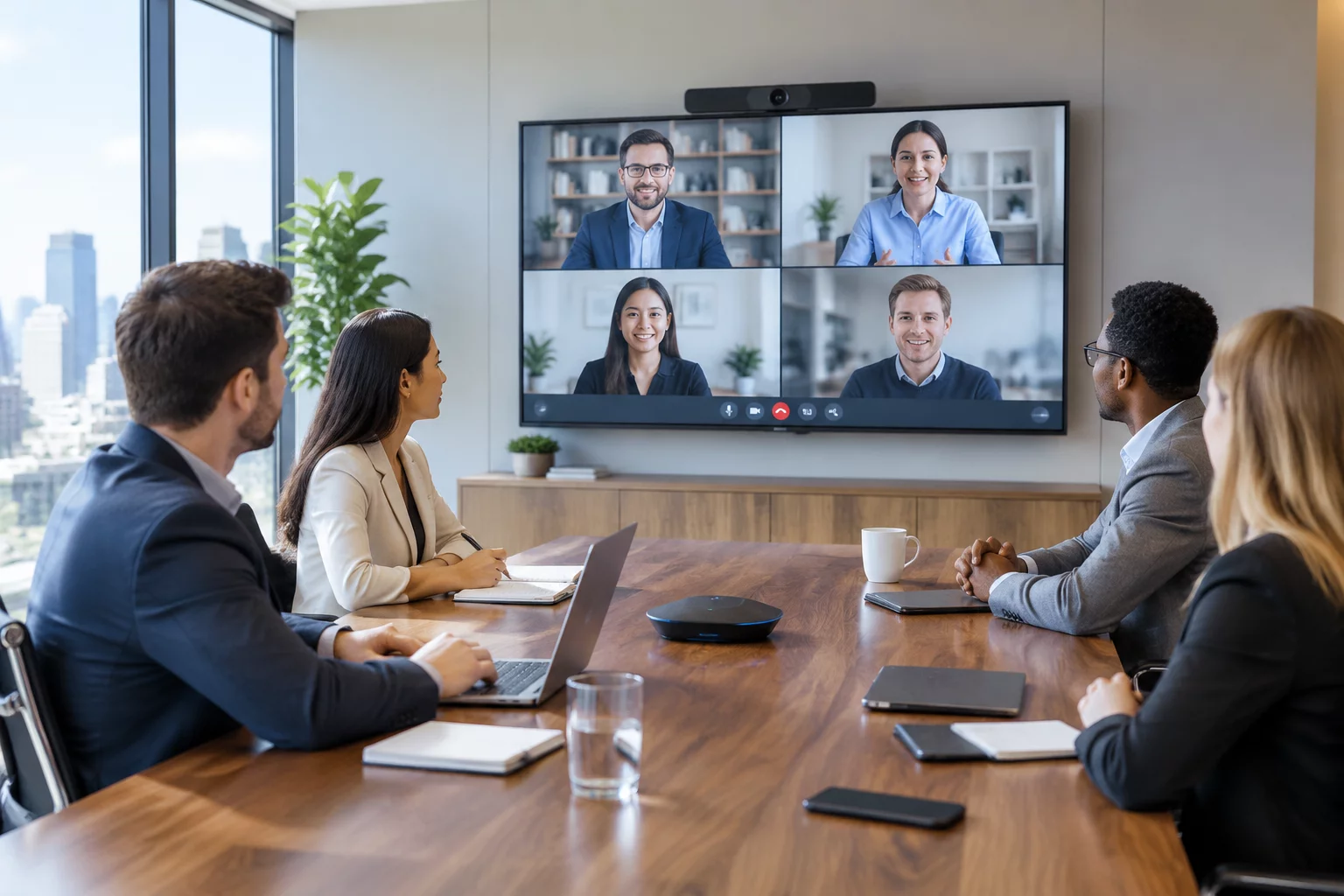
Traditional hybrid meetings falter when in-person participants crowd around physical flipcharts while remote colleagues stare at a static slide deck. Structuring your agenda around a live shared artifact bridges this divide by moving the primary work environment directly into a synchronized digital workspace accessible to every participant.
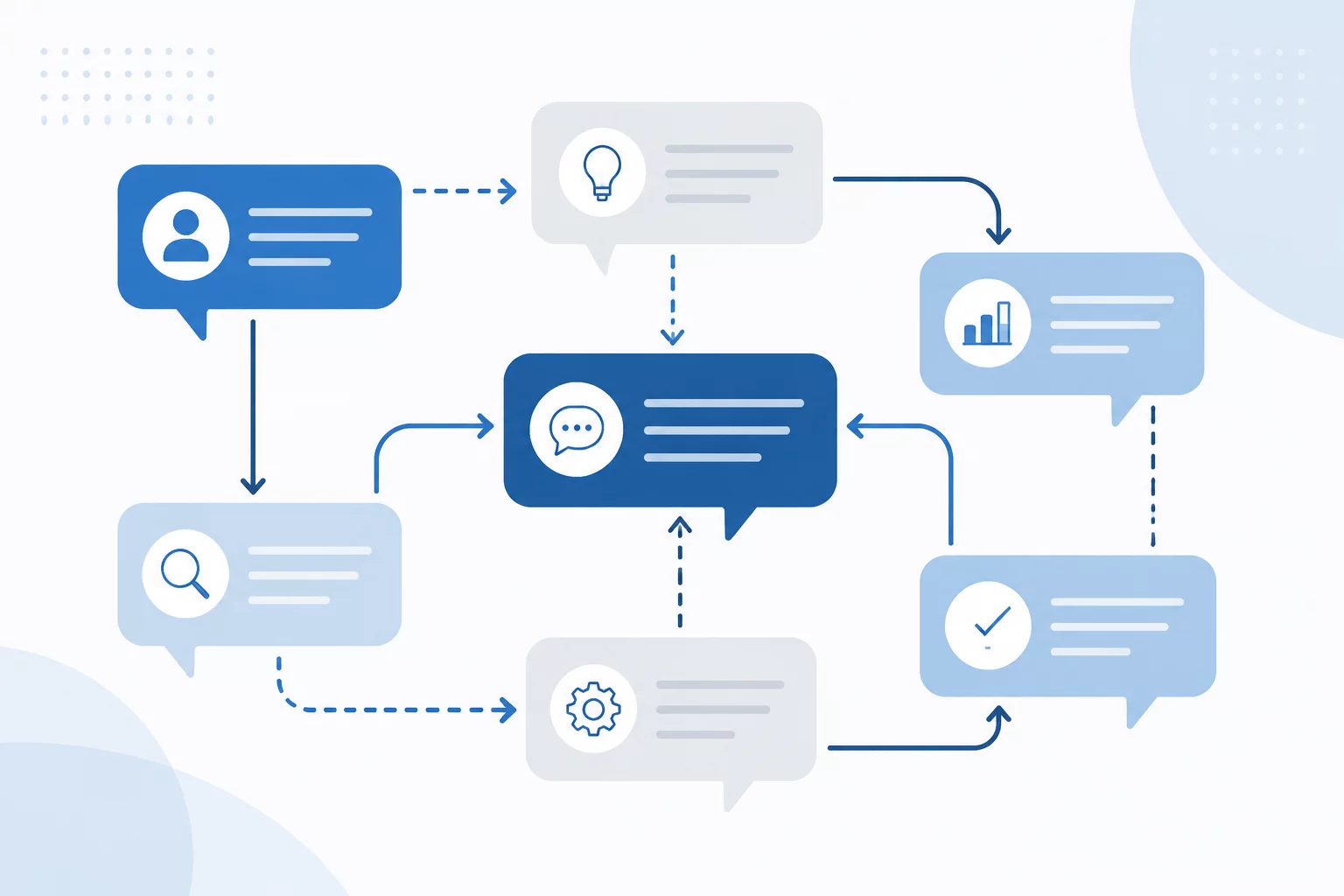
When every attendee interacts through the same document, digital whiteboard, or interactive dashboard, commentary connects directly to concrete points on screen. This setup dismantles in-room conversational monopolies and ensures that verbal contributions immediately translate into visible revisions.
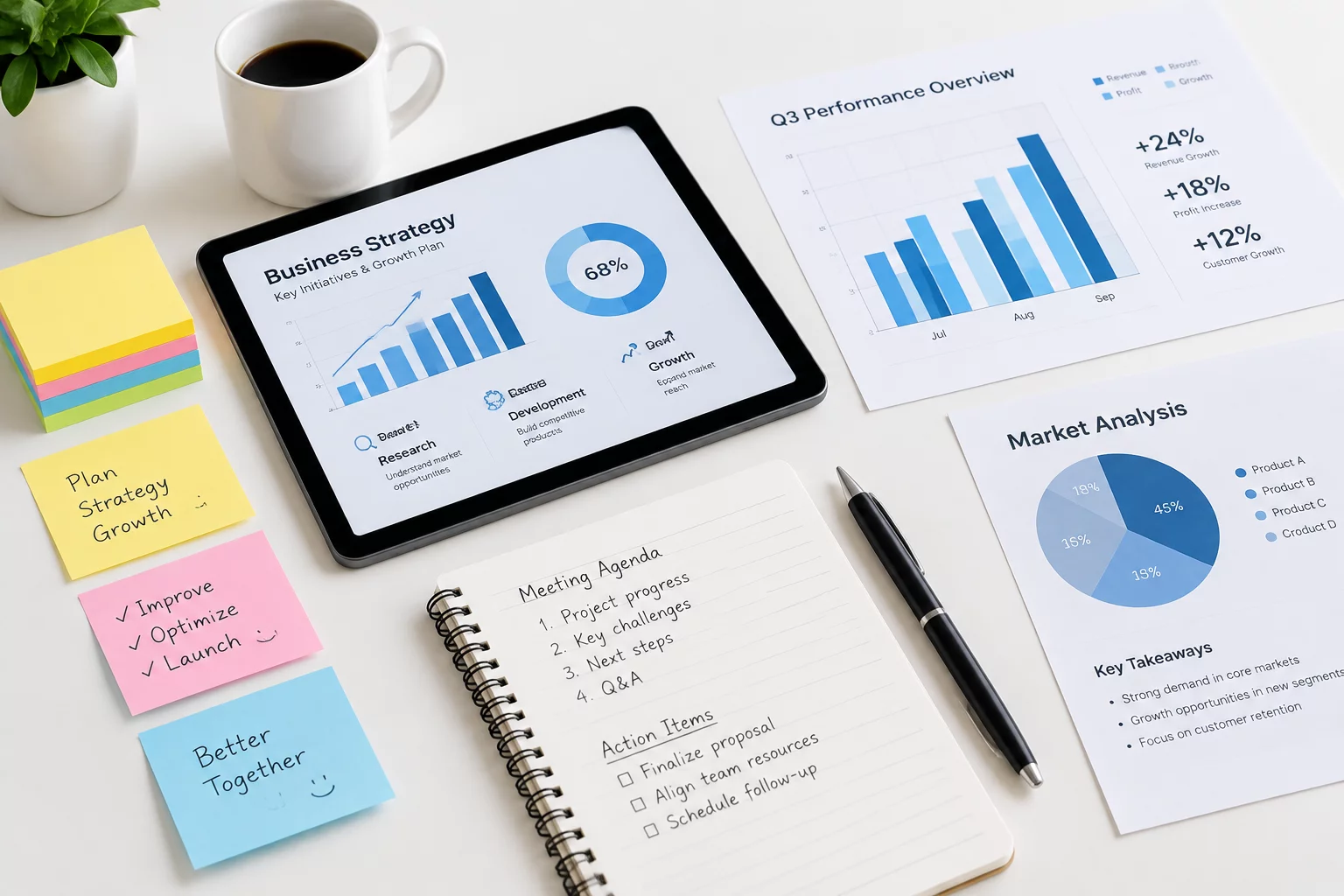
A workshop asks participants to react to documents—except remote members cannot see what the room is pointing at. The meeting is rebuilt around shared materials that both audiences can read and edit at the same time.
How Participants Interact Across the Session
Core Architecture for Shared Material Sessions
Technical configurations and structural requirements designed to maintain synchronized focus across disparate environments.
| Framework Dimension | Protocol Specification |
|---|---|
| Workspace Accessibility | Cloud document pre-shared with explicit editing access granted to all attendees before start time |
| In-Room Device Setup | Universal individual laptop usage in-room with muted audio to allow personal canvas navigation |
| Room Display Routing | Dual-monitor routing showing live workspace on display A and remote video feed on display B |
| Facilitation Roles | Dedicated content steward assigned to capture verbal remarks as inline sticky notes in real time |
| Silent Review Phase | First 7 to 10 minutes reserved for asynchronous reading and inline commenting before verbal debate |
| Outcome Validation | Snapshot export with assigned action item cards verified before session closure |
Facilitation Protocols for Artifact-Centric Alignment
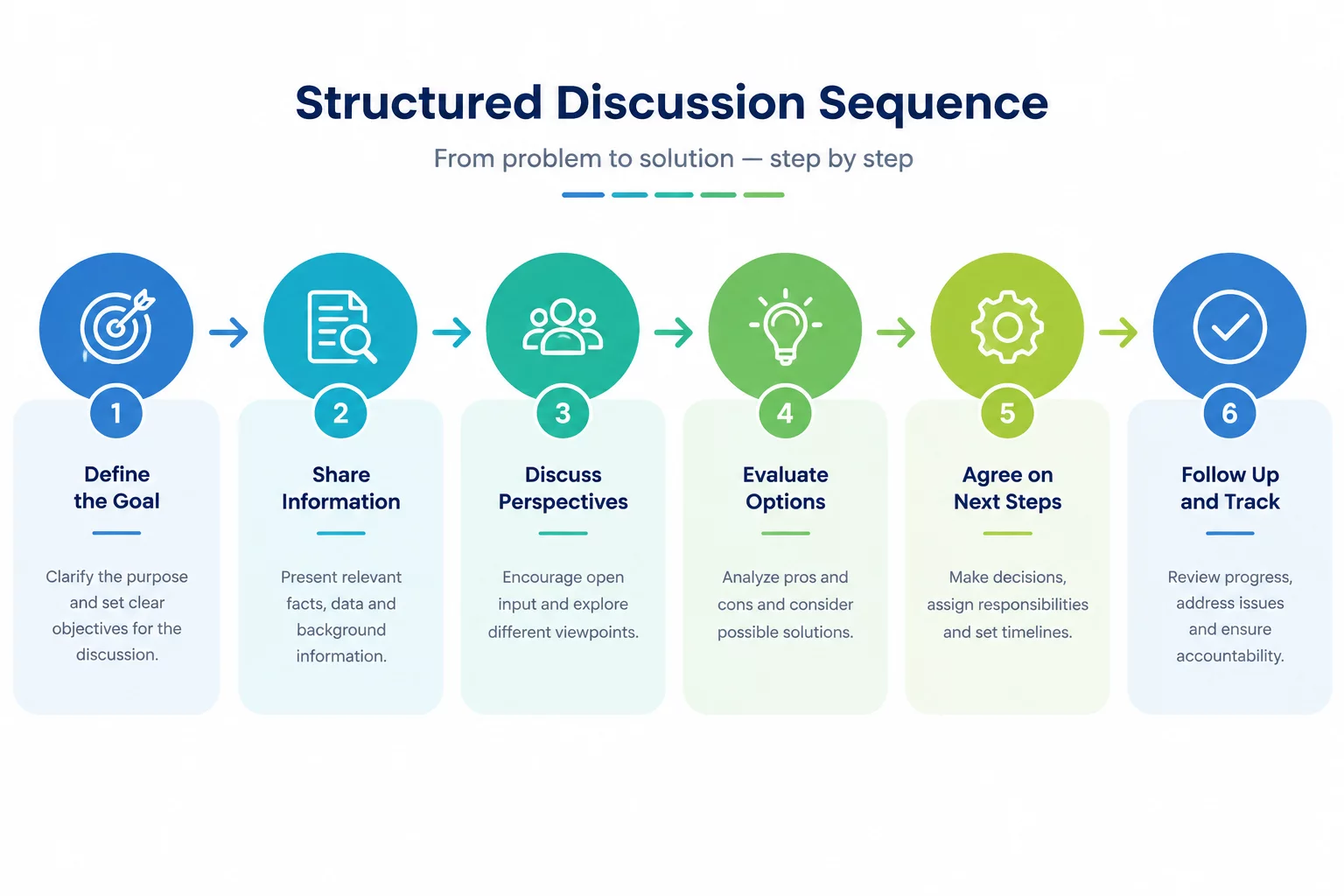
Managing a shared artifact requires tight orchestration to prevent visual chaos and cursor drift. Rather than walking through items linearly from top to bottom, facilitators should segment the agenda into focused thematic zones and guide the collective gaze systematically across the board.
Key Steps for Frictionless Execution
- Pre-populate dedicated work zones for each agenda point with clear prompts and structured response templates.
- Initiate silent commenting rounds where participants add digital stickers simultaneously, neutralizing loud in-room voices.
- Utilize viewport follow commands during executive summaries, releasing attendees to free-roam during collaborative breakout phases.
- Synthesize related comments into cluster groups on the canvas prior to opening the floor for open debate.
When conversations center around tangible digital artifacts, action items gain instant clarity. Decisions remain logged in the context where they originated, eliminating tedious post-meeting reconstruction and ensuring full alignment across remote and onsite teams.
Frequently Asked Questions
Practical solutions to typical hurdles encountered during artifact-driven hybrid workshops.
Equip conference spaces with dedicated stylus-enabled tablets connected to the collaborative canvas. Alternatively, assign a co-facilitator in the room to pair with the participant and log their spoken contributions directly into the workspace.
Toggle off collaborator cursor visibility during verbal debriefs to minimize visual distraction. Enable cursors only during active brainstorming, voting, or silent sticker placement exercises.
Cloud-native interactive canvases and live collaborative docs with built-in version history and comment threading work best. Avoid static PDF attachments or locally saved spreadsheets.
Prepare a shared digital copy before the session and display it alongside the in-room original. A co-facilitator can capture any physical markup in the shared version.
Assign one document owner, use version history, and agree whether participants edit directly or submit suggestions. Resolve open changes before moving to the next agenda item.
Related Methodologies