What This Update Changes for Shared Discussions
Each room update quietly changes the meeting experience: how fast the camera finds the speaker, whether remote faces stay visible when slides start, how quickly a facilitator can adjust the layout. This release is examined through that lens—what actually changes for the people trying to follow and join the discussion.
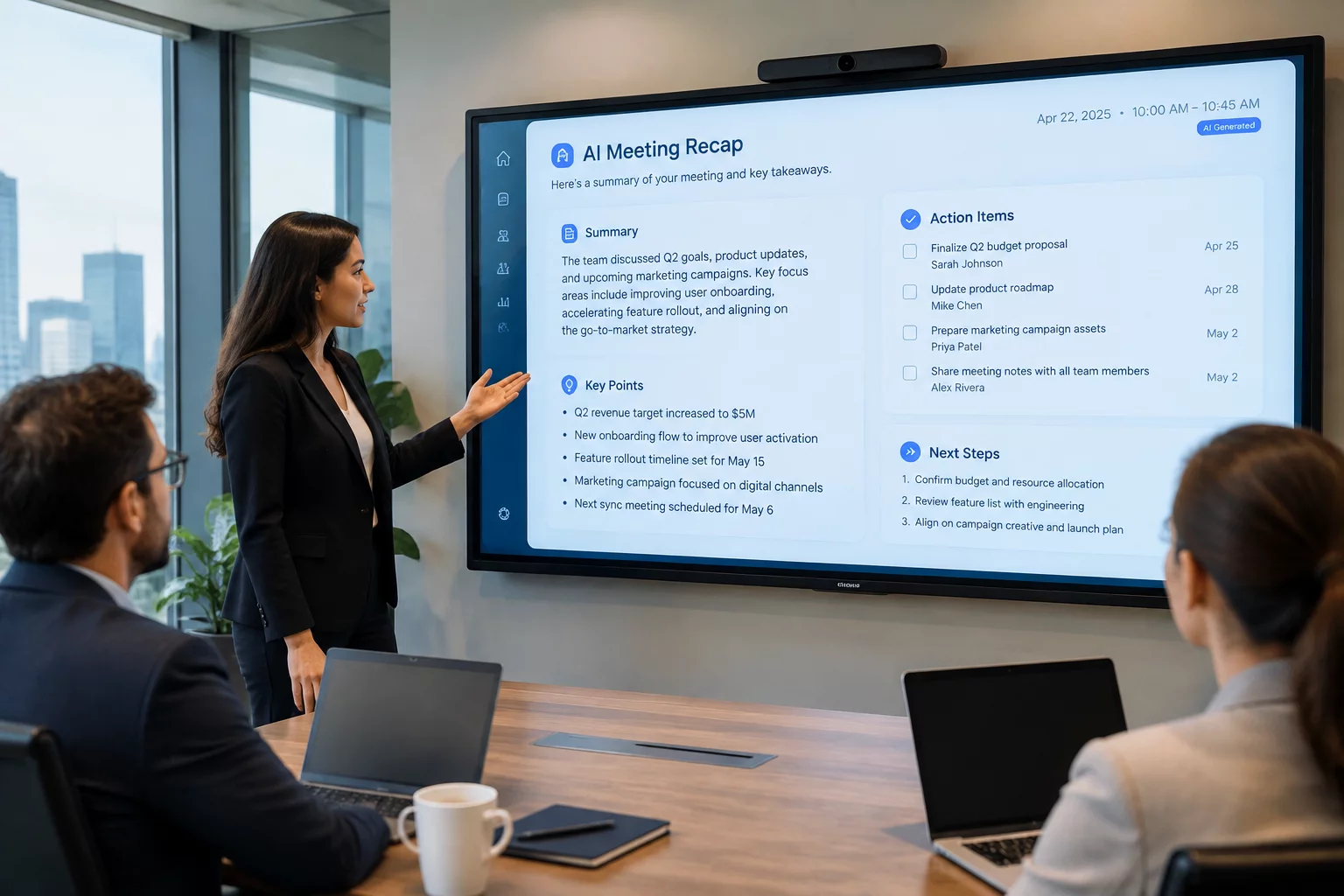
For facilitators, the practical gains are responsiveness and predictability. Switching speakers, layouts, or shared content no longer stalls the interface, so the moderation flow keeps pace with the conversation instead of lagging behind it.
Where It Applies
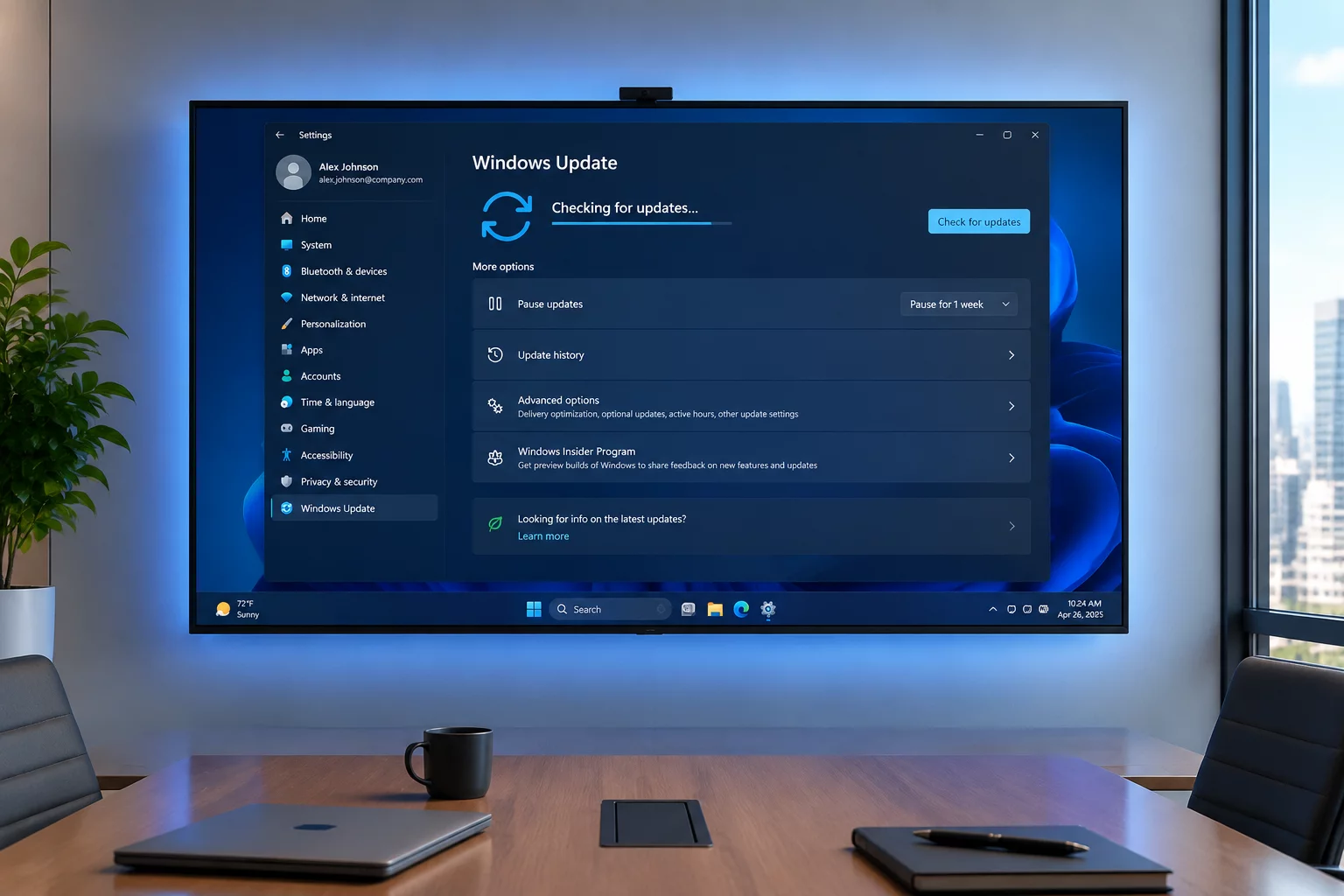
The update reaches managed room systems in stages. Organizers should check which rooms have it before assuming every space offers remote participants the same view.
What This Means for Participants
What Facilitators Notice in Mixed Meetings
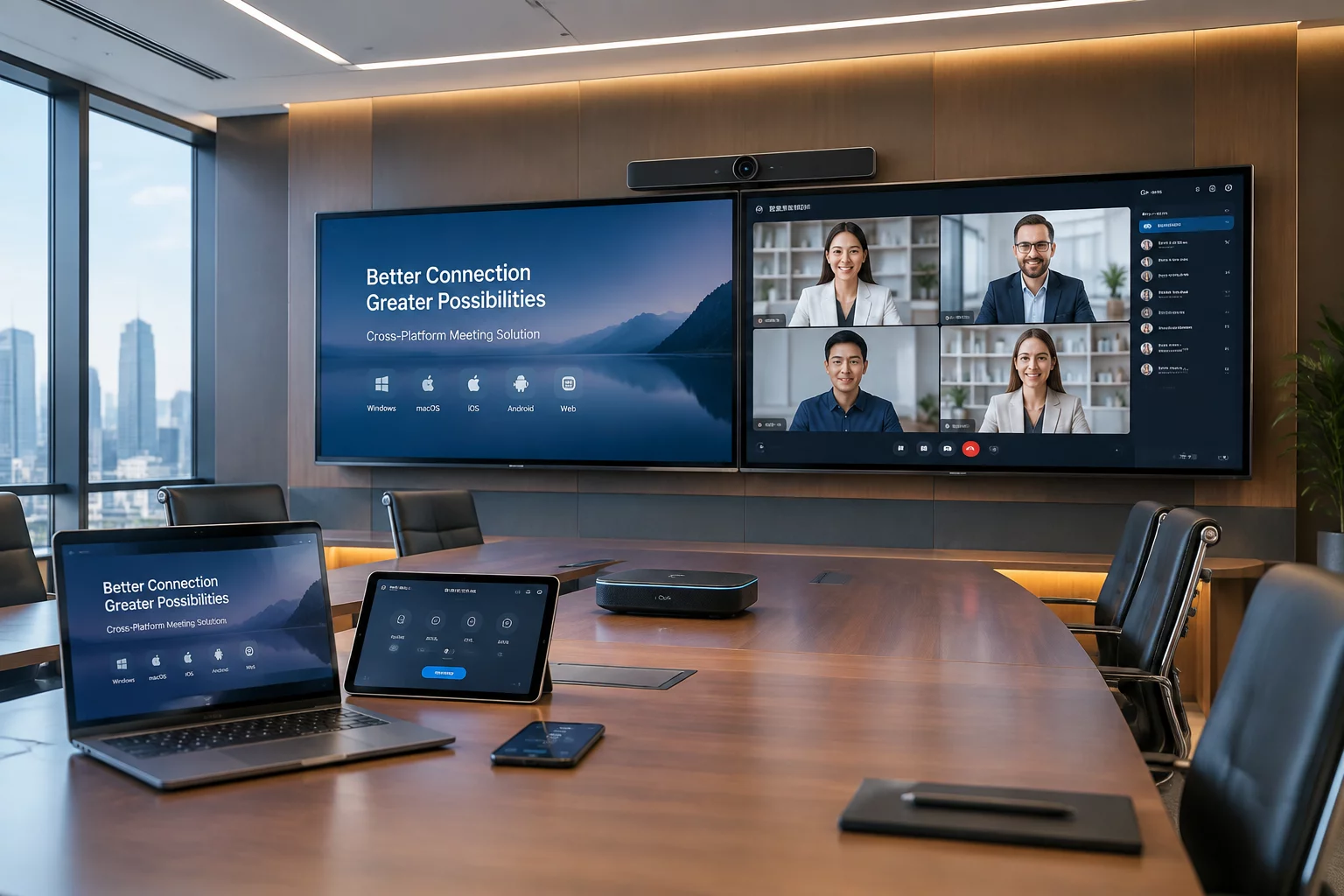
In mixed rooms, the update shows up as smoother speaker transitions for remote attendees and quicker layout control for the moderator—small delays removed from the moments where remote participants either stay engaged or drift.
- Screen sharing no longer blacks out remote video mid-presentation.
- Clear indicators show whose voice is being picked up, helping moderators spot a dead microphone before remote attendees go silent.
- Chat and whiteboard sit beside remote faces instead of replacing them.