Participation Design • June 15, 2026 • Hybrid Work Analyst

One Meeting, Many Platforms: Equal Access From Every Seat

How cross-platform joining decides whether external guests and remote colleagues can enter the same discussion—or get stuck outside it.

Open Access One Shared Discussion No Second-Class Seats

Participation Highlights

  • Guests on other platforms enter the room's discussion with one tap instead of a laptop workaround.
  • The facilitator keeps full control of the meeting—mute, layout, and roster—no matter which platform the guests use.
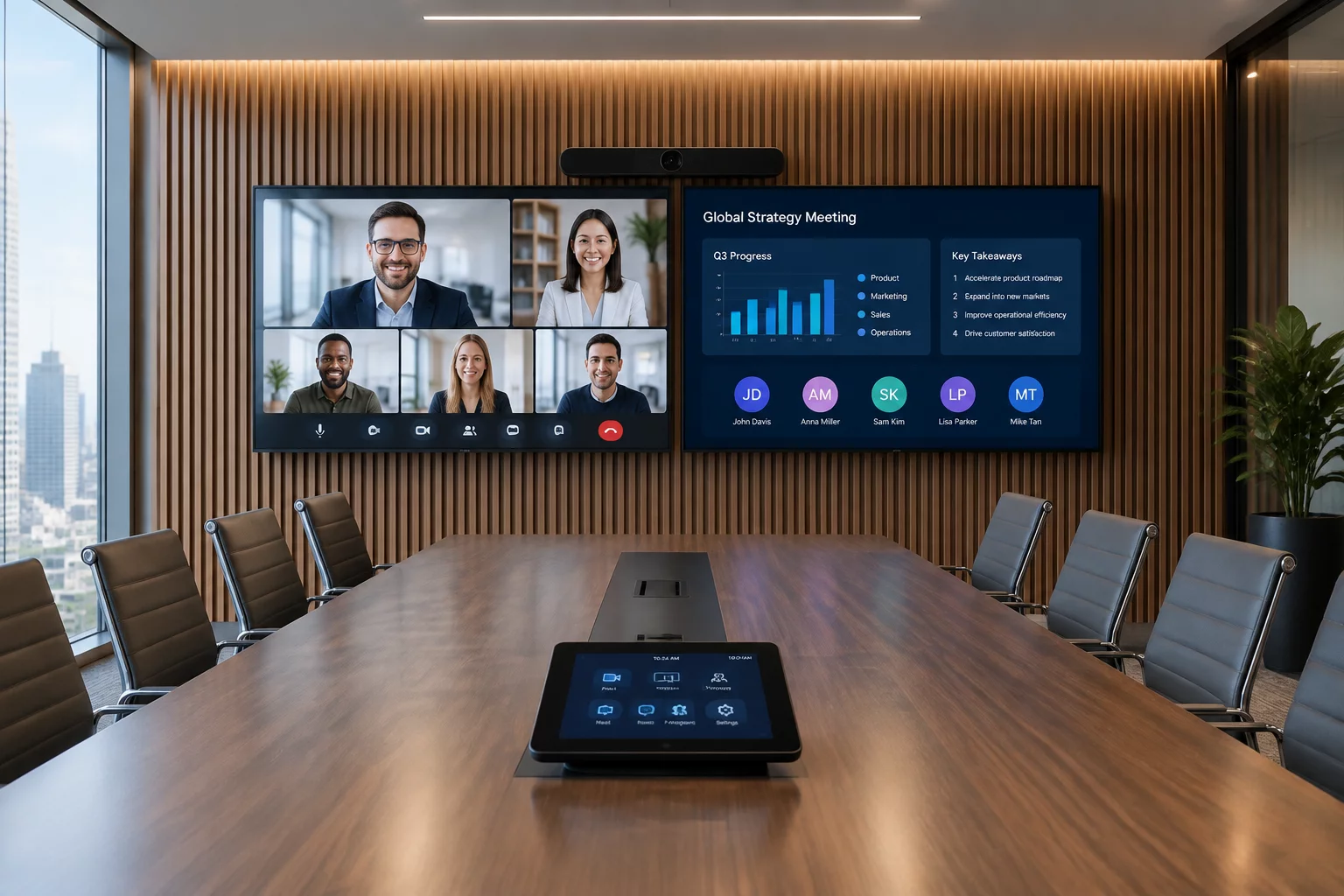
  • Remote faces stay prominent on the main screen while shared content moves to the second, so nobody presents to an empty wall.
  • Guest platforms run isolated from the room system, so security policy never forces participants onto a second-class joining path.
Learning Situation

Half a partner team joins from a different video platform and kept getting stuck in the lobby. The room is configured so guests enter as full participants, whatever they connect from.

Participation Map

How Participants Interact Across the Session

In-Room Participants Remote Participants Facilitator
Invitation
In-RoomBook the room for one meeting
RemoteKeep their own platform invite
FacilitatorChecks the link reaches the room
Joining
In-RoomTap one join button at the table
RemoteEnter as full meeting members
FacilitatorVerifies remote audio and video
Discussion
In-RoomSee remote faces on the main screen
RemoteSee and hear the whole table
FacilitatorManages a single speaking queue
Follow-Up
In-RoomAdd notes to the shared record
RemoteReceive the same recap
FacilitatorConfirms external members can access it
Shared Access

Letting Outside Participants Join the Same Conversation

Hybrid teams rarely control which platform their partners prefer. When a client mandates a different meeting service, rooms that cannot join it push everyone onto individual laptops—splitting the meeting back into the exact in-room/remote imbalance this method exists to prevent.

Direct guest joining keeps the whole group in one structured discussion: the room's camera, microphones, and speakers serve the external meeting, so remote and in-room participants share one conversation instead of two parallel ones.

Joining Requirements

What Organizers Need to Check

The main failure mode is invisible: a calendar invite that loses its external link leaves the room unable to join. Verify that invitations preserve third-party meeting links so every seat reaches the same call.

Platform Compatibility Matrix

External Access Joins meetings hosted on outside platforms
Screen Layout Remote faces and shared content on separate screens
Coverage Works across different room systems
Call Quality Clear two-way audio and video for external guests
Consistency Rules

Keeping the Joining Path Predictable

Cross-platform meetings fail quietly: a stripped link or a missing join button sends everyone back to laptops. Apply a few standard rules so every meeting, whatever the platform, starts with the whole group present:

  • Check that calendar invitations keep their external links intact so the room can join the meeting everyone else attends.
  • Test an outside-platform meeting in each room before it matters—the failure is only visible when a guest tries to join.
  • Give organizers a standard way to forward external invitations to the room so no seat is left outside the call.
Make Every Meeting Reachable From Every Seat

We help teams remove the joining friction that leaves remote and external participants outside the shared discussion.