Participation Design • June 5, 2026 • Hybrid Work Analyst

Event Platforms That Give Both Audiences an Equal Voice

How platform choice affects whether remote attendees can ask questions, join workshops, and interact on the same terms as the audience in the room.

Conversational Speed One Shared Floor Two Audiences, One Discussion

Key Evaluation Takeaways

  • Near-zero audio delay is what lets remote participants jump into spontaneous Q&A instead of always speaking a beat too late.
  • Reliable streams keep remote members present for the whole discussion rather than dropping out at decision time.
  • Breakout tools that mirror the physical workshop tables let remote participants join small-group work instead of waiting in a lobby.
  • Moderator dashboards surface remote hand-raises and connection problems before remote attendees silently disengage.
Learning Situation

An events team runs a hybrid conference where remote attendees could only watch, never ask. They pick a platform setup that lets both audiences join Q&A and workshops on equal terms.

Participation Map

How Participants Interact Across the Session

In-Room Participants Remote Participants Facilitator
Opening
In-RoomTake seats as the session starts
RemoteEnter from the virtual lobby
FacilitatorGreets and counts both audiences
Q&A
In-RoomLine up at the floor microphone
RemoteRaise a hand in the event app
FacilitatorAlternates the two queues fairly
Breakout
In-RoomForm small table groups
RemoteJoin mirrored breakout rooms
FacilitatorAssigns a role in every group
Closing
In-RoomHear the live summary together
RemoteReceive the same recap in app
FacilitatorPosts shared notes to everyone
Shared Attention

Removing the Delay That Silences Remote Voices

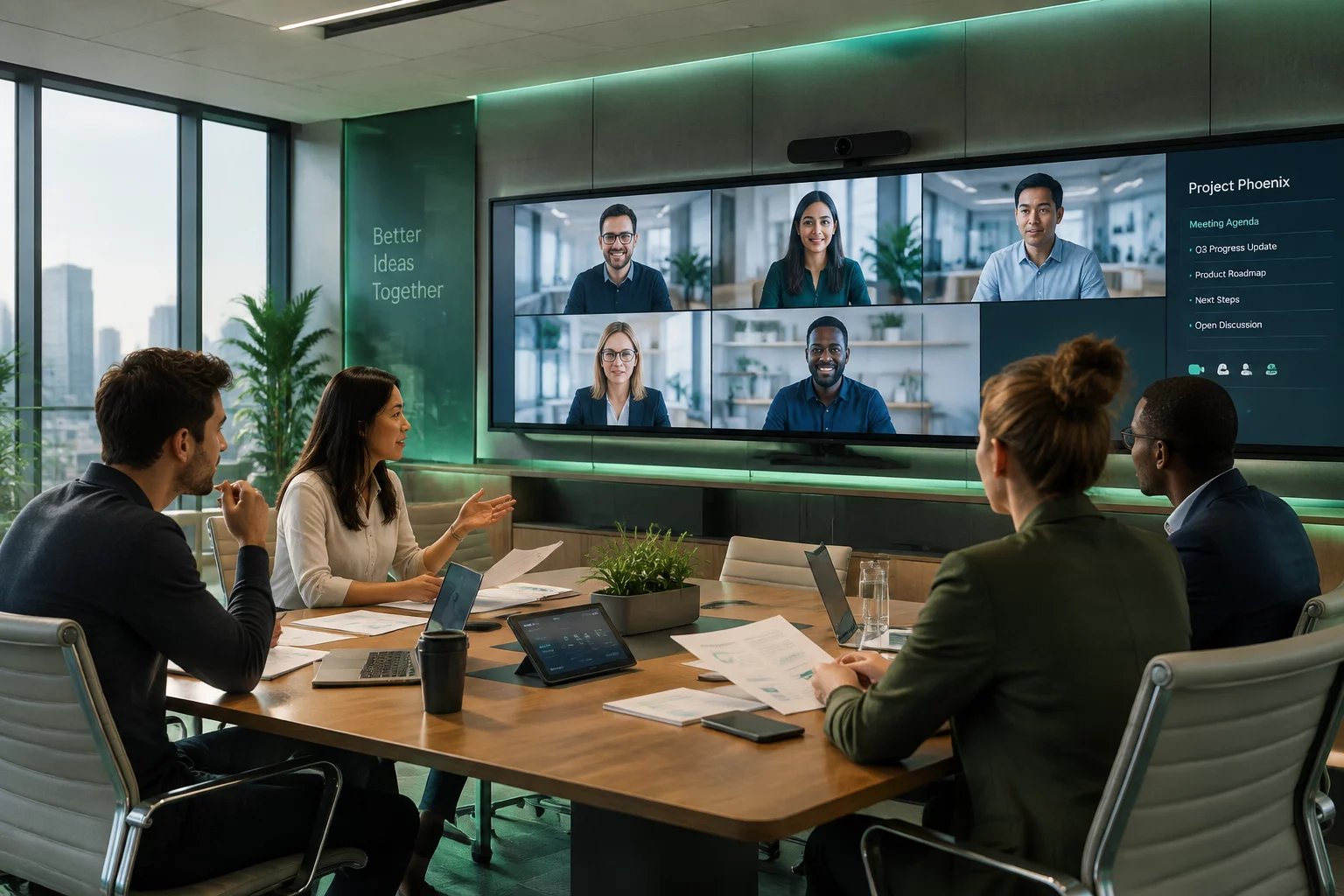
In a hybrid town hall, the room moves fast: questions fly, side comments land, decisions form. Remote attendees experience that same meeting a few hundred milliseconds later—and by the time their question arrives, the moment has passed. This 2026 evaluation looks at platforms through one lens: can remote participants interact at conversational speed with the people in the room?

The strongest platforms collapse that delay so remote questions land while they are still relevant. For organizers, the practical result is simpler facilitation: fewer repeated questions, fewer remote attendees who give up on speaking, and a discussion that includes the whole audience.

Audience Access

Fitting the Platform to Your Participation Format

Large hybrid events live or die by how well remote voices reach the stage and how clearly remote faces appear to the room. Look for platforms that present each remote speaker as an individual presence—visible, audible, and answerable—rather than as an anonymous tile in a grid.

What to Check When Comparing Platforms

Remote Presence Remote questions land while they are still relevant
Speaker Visibility Remote speakers shown individually, not as a grid
Breakout Parity Breakouts that mirror physical workshop tables
Voice Clarity Remote voices reach the room clearly
Floor Management

Giving Facilitators One View of the Whole Audience

An interactive hybrid session only works when the facilitator can see every queue at once: hands raised in the room, questions in chat, polls from both audiences. The platforms reviewed here consolidate those signals so remote contributors stop being overlooked in fast discussions.

  • One moderation view combining room microphones with remote chat and hand-raises.
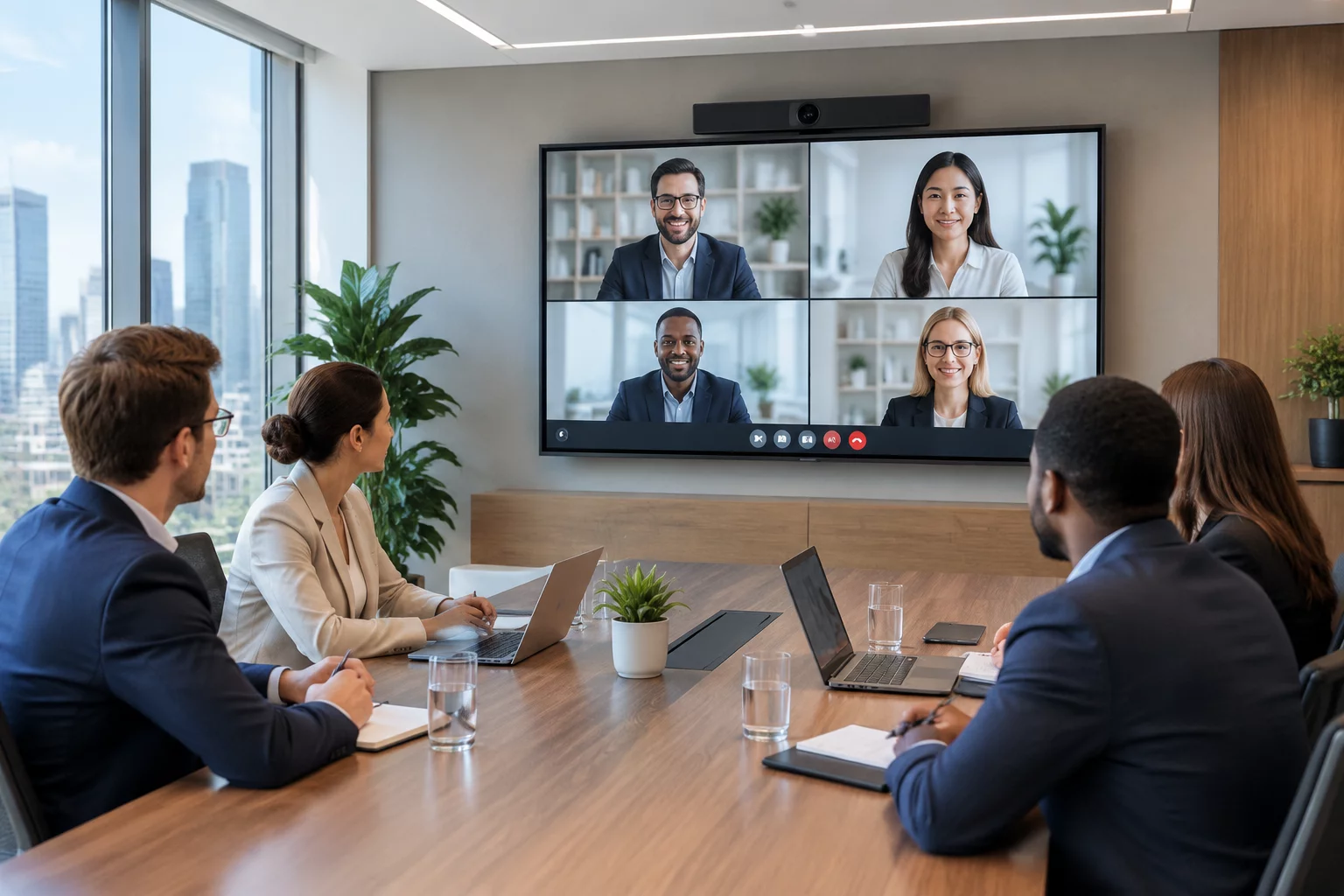
  • Remote speakers projected at full size on room displays so the audience addresses them directly.
  • Safeguards that keep remote audio intelligible even when the venue network dips.
Design Events Where Remote Attendees Actually Participate

Talk to our team about structuring hybrid sessions where both audiences share the floor.

Meeting Design

Plan Your Participation Format

Share your audience split and session format to receive suggestions for equal participation.